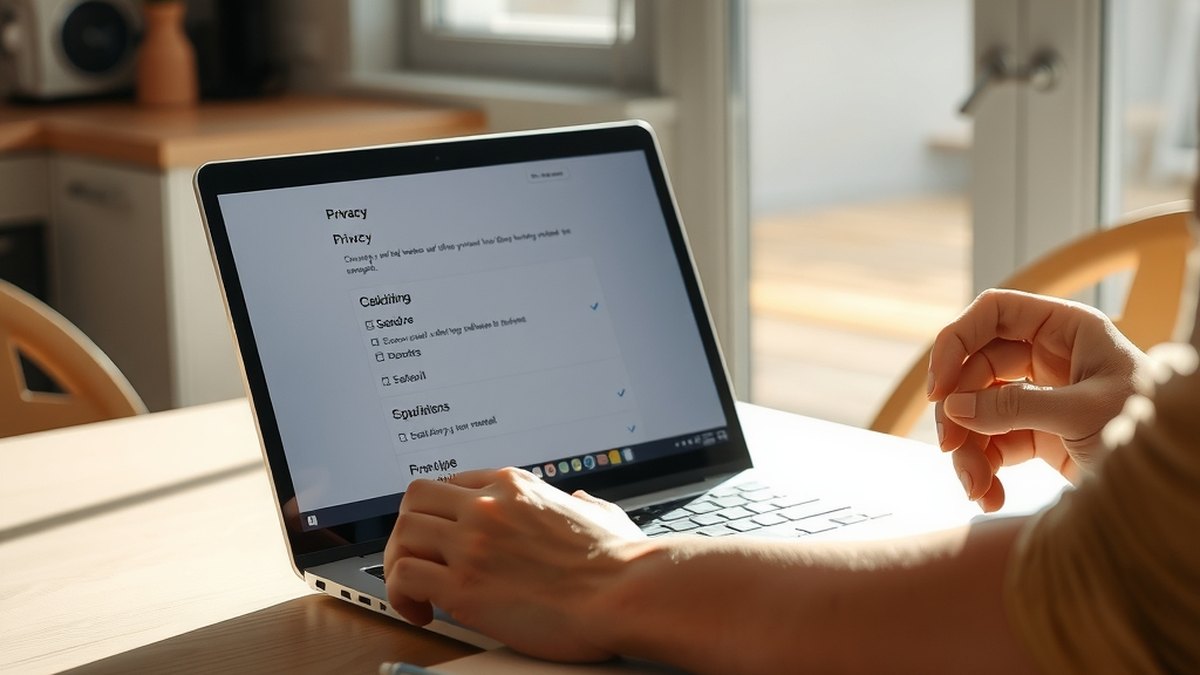
New AI releases arrive quickly, and so do the scams that follow them. Fake download pages, "unlocked" versions of popular models and urgent account warnings tend to appear within days of a launch. A short, repeatable routine can protect your accounts and your data while you still take advantage of the newest features. The steps below are based on a November 2026 safety guide and on workplace guidance from the American Psychological Association.
Start With Your Apps and Accounts
The simplest protection is to keep your AI apps current. Updates bring new features along with security fixes for the major assistants, so install them from the official app store or the vendor's website. Never follow a link in a text message, an advertisement or a social post to get an app, because launch week is when fake installers spread most quickly.
Next, turn on two-step verification for your AI accounts and for the email or cloud account that controls them. If an attacker gets your password, a second factor is often the difference between a nuisance and a serious breach.
Check Your Chat History Settings
Most assistants let you decide whether chats are saved and used to improve services. Spend a few minutes in your settings and look for an option labeled something like chat history or keep activity. Choose the setting on purpose rather than by default, especially if you use the tool on shared devices.
Keep Sensitive Data Out of Free Chat Tools
This is the habit that prevents the most damage. Passwords, banking details, health records and client files should not go into a free chat window, even if the request seems harmless. Redact names and account numbers before pasting documents, and remember that a screenshot of confidential material counts as the same thing.
For workplace use, the rule should be stricter. Use only tools your organization has approved, and check whether the data terms cover business content. A tool with clear terms for client files is a better choice than a general-purpose free account.
Limit Connected Apps
Many assistants can connect to email, calendars, cloud drives and other services. Each connection gives the tool more of your data, and some connections let it act on your behalf. Link only the services you genuinely need, review them every few months, and remove any you no longer use.
Try New Features Carefully
When a feature launches, test it with harmless content first. Use a sample document, a made-up scenario or a public article rather than your real work. That approach lets you learn what the tool does, including where it makes mistakes, before you trust it with anything important.
Recognize Launch-Week Scams
Scammers often build fake pages around major releases. The warning signs are predictable:
- Download pages that promise an "unlocked" or "premium" version of a model.
- Offers of free paid plans that ask for a login or card details.
- Browser extensions that request permission to read every page you visit.
- Emails saying your account needs "AI verification," with a link to click.
- Phone calls in a familiar voice asking for money.
If a message creates urgency, stop and verify it independently. Open the app directly, or call back on a number you already know. For family members, agree on a code word for requests involving money.
Why It Matters
These habits matter because AI tools now sit close to personal and business data. A chat assistant that can read your email or drive is more useful than one that cannot, but it also raises the cost of a single mistake. The point is not to avoid AI. It is to make the same kind of decisions you already make about banking apps and cloud storage.
Workplace guidance points in the same direction. The American Psychological Association's November 16 guidance, Deploying AI Into Workplaces, recommends scaling safeguards to the stakes of possible errors and introducing AI through a fair process that consults the people who will use it. The association also reported that "less than 40%" of workers who were asked knew whether their employer had an official policy on acceptable AI use. Many people are therefore working without clear rules, which makes personal habits more important.
Keep Work and Personal Data Separate
Many people use one free account for both personal and professional tasks, which blurs the line between what is safe to share and what is not. A simple habit helps: keep separate accounts or workspaces for work and personal use, and label projects by the kind of data they contain. When a project involves customer, patient or employee information, switch to a tool your organization has approved and confirm its retention settings before uploading anything.
Outputs need the same care as inputs. An AI-generated summary pasted into a shared document, a ticket or an email can carry confidential details to people who were never meant to see them. Before sharing, scan the result for names, figures and internal references, just as you would with any draft.
The same logic applies to teams. A short written policy that lists approved tools, prohibited data types and the person to contact with questions gives employees something concrete to follow. Without one, people tend to make their own choices, which can lead to avoidable data exposure.
A Simple Weekly Routine
You do not need a long audit to stay safer. Once a week, take five minutes to:
- Confirm your AI apps are up to date and installed from official sources.
- Review any new connections or permissions.
- Delete chats that contain information you would not want to keep.
- Check whether any new tool you tried this week asked for more access than it needed.